Launch yourself into this cute trend of button DIY jewelry with TierraCast buttons. We have three projects using TierraCast buttons; two pair of earrings and a lariat necklace.
TierraCast has a large assortment of button components. Of course when it comes to button components, you easily gravitate your DIY mind to making bracelets. Which is the perfect use for them. But we’ve expand our thinking into using buttons as earrings and necklace components. Here are three examples using TierraCast buttons designed by Heidi!
Golden Rosette Button Earrings
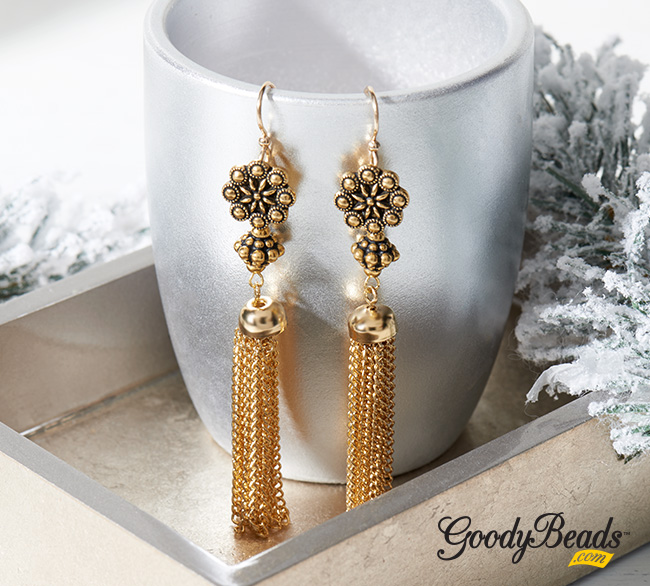
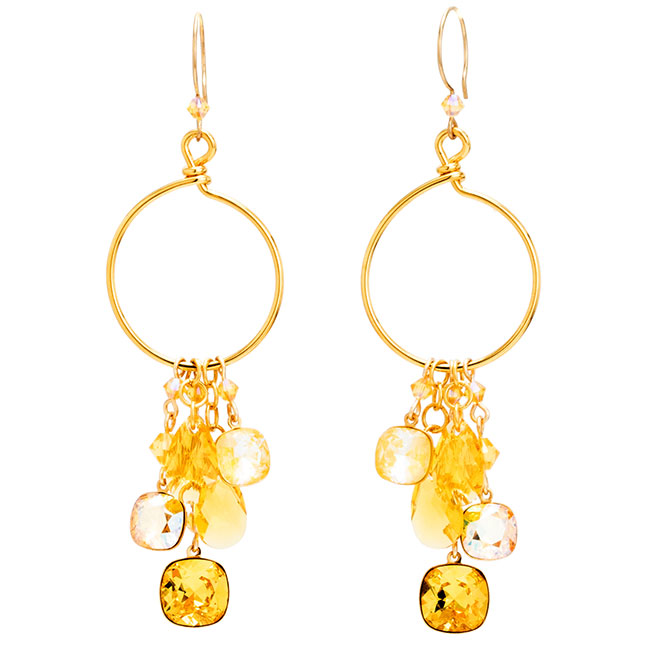
There is always room for a pair of tassel earrings in your jewelry stash. Why not make it shine like gold in this pair of Golden Rosette Button Earrings, using TierraCast’s Czech Rosette Button. The shank button makes it easy to hang your golden components. Unlike a typical button with two or four holes in the center, a shank has a protrusion in the back of the button with a hole so that when sewn on fabric, there is space allowed for the fabric to sit behind.
Directions:
- Open eyepin loop, slide on chain tassel and close loop.
- Slide on a TierraCast Pamada bead and make a simple loop.
- Open a jump ring, slide on loop from bead dangle from Step 2 and through shank hole of button. Close jump ring.
- Open another jump ring and slide through loop of ear wire and through shank hold of button. Close jump ring.
- Repeat all steps for other earring.
Items used in earrings: TCZ0139, Z011522, TC02267 (2), TC02679 (2), Z010982, A013211 (2)
Copper Cluster Button Earrings
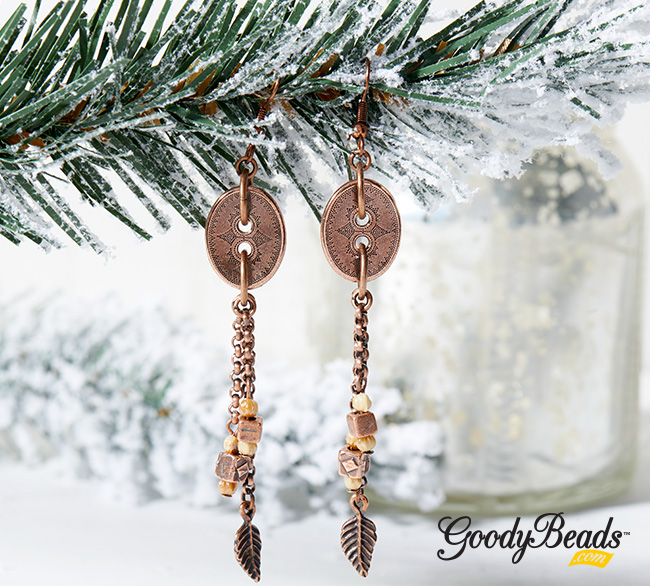
In this pair of earrings, the button acts as a focal link piece. It’s designed with fringe chain tassels with embellished ends.
Directions:
- Cut three rollo chain with 8 links, 13 links and 22 links.
- Open small jump ring, slide on leaf charm and the 22 link chain. Close jump ring. Open another small loop and attach to other end of chain.
- On a head pin slide on melon bead, cube bead and another melon bead. Make a simple loop. Make another for a total of two.
- Open loop of cube dangle from Step 3 and slide on an 8 link chain. Close loop. Open another small loop and attach to other end of chain.
- Open loop of cube dangle from Step 3 and slide on an 13 link chain. Close loop. Open another small loop and attach to other end of chain.
- Open large jump ring and slide through button. Also slide jump ring from Step 2, then Step 5 and then Step 4. Close jump ring.
- Open small jump ring, slide on large jump ring from Step 6 and through loop of ear wire. Close jump ring.
- Repeat all steps for other earring.
Items used in earrings: A009401, Z012870, A011518, CH00496 (1′), TC01191 (2), A021855, TC01114 (4), A019622, TC02278 (2)
Charming Lariat Button Necklace
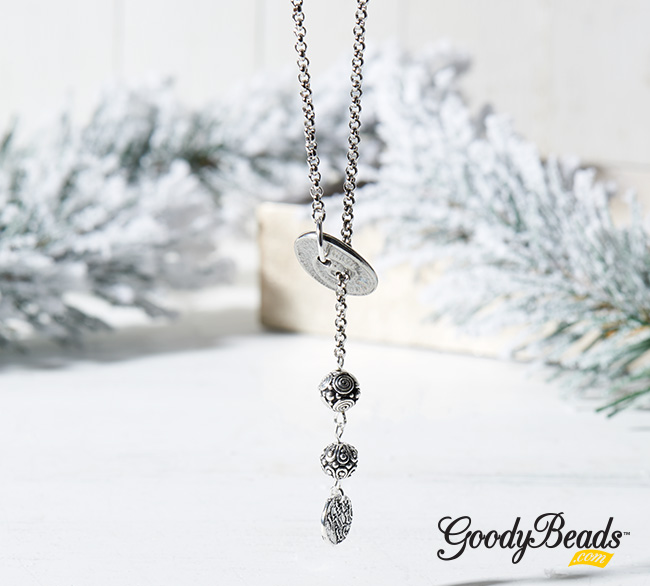
Design this lariat necklace with a button connecting your chain around. Dangle your ends with a sequence of TierraCast bead links and/or charm.
Directions:
- Open small jump ring and slide on charm and loop of eyepin. Close jump ring.
- On eyepin, slide on a silver bead and make a simple loop.
- Open loop made from step 2 and slide on an eyepin loop.
- On this eyepin, slide on another silver bead and make a simple loop.
- Open loop made from step 4 and slide on one end of your chain. Close loop.
- Feed chain through one hole of your TierraCast button.
- Open large jump ring, slide on other end of chain and through other hole of the TierraCast button. Close jump ring.
Items used in necklace: CH01095 (24″-36″), TC02279, A002814, TC00298 (2), Z004093, TC00454, A001495